
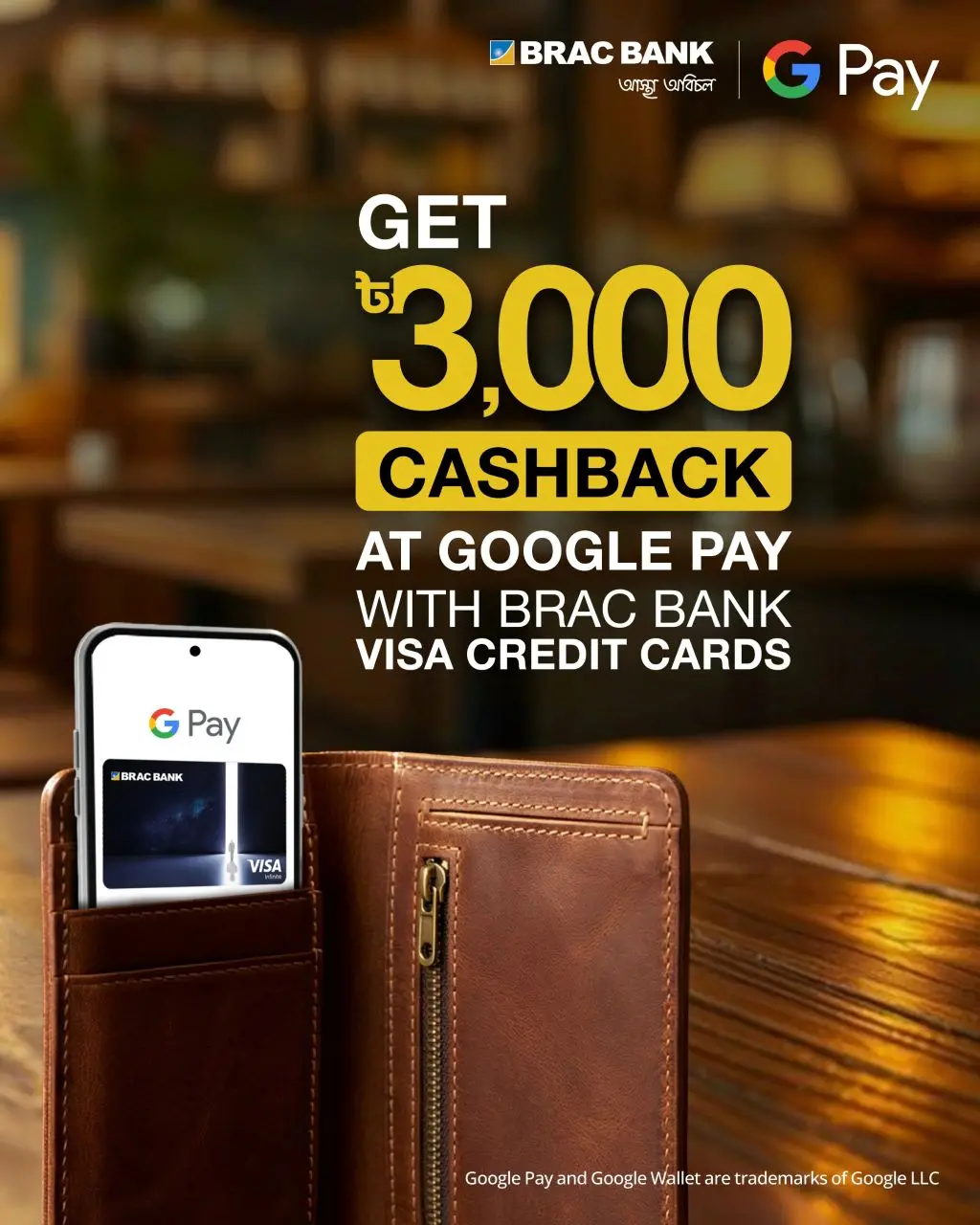
Visa-Google Pay Spend & Get Cashback Offer
1. Campaign Details
**The campaign requires cardholders to register on Visa's campaign platform and enroll in the campaign before completing qualifying transactions.
Customer Journey
To qualify for the cashback:
1. Visit the campaign landing page: Visa Infinite Access | Receive cashback when you spend using Google Pay
2. Click” Enroll Now” button
3. Add an eligible Visa credit card to Google Pay by submitting necessary information
4. After card is added, Click the “Enroll Now” button to complete the enrollment process
5. Complete a cumulative qualifying spend of ৳6,000 or more using Google Pay with an Eligible Card.
6. Receive BDT 3,000 cashback upon successful qualification and validation.
FAQ:
What is the campaign period?
The campaign will run from September 01, 2026 – September 30, 2026
Is campaign enrollment required?
Yes. Cardholders must first register and enroll via Visa's dedicated campaign platform before performing the qualifying transactions via Visa Google Pay Campaign Page
Where can customers enroll?
Customers can enroll through the Visa campaign landing page: Visa Infinite Access | Receive cashback when you spend using Google Pay
What information will customers need during enrollment?
Customers will be required to register on the Visa platform and enroll in the Google Pay campaign. The Visa platform registration process includes cardholder verification and enrollment steps.
Where can I use Google Pay for this campaign?
You can use Google Pay at any merchant that accepts contactless payments, as well as e-commerce merchants offering Google Pay at checkout. All eligible transactions made using Google Pay during the campaign period will count towards the offer.
When will I receive my cashback?
Cashback will be credited to your bank statement (up to 30 days) after completing the eligible spend.
Is there a limit to the cashback I can receive?
Yes, each cardholder is eligible for only one cashback reward per card during the campaign period.
What transactions are not eligible?
Certain transactions may be excluded, such as refunds, reversals, or transactions that do not meet the campaign requirements. Please refer to the full terms and conditions for details.
Who can I contact if I need help or have questions about the campaign?
For all inquiries regarding this campaign, please refer to Visa’s contact page for support, accessible via the “Contact Us” link in the footer of https://my.visa.com/
