
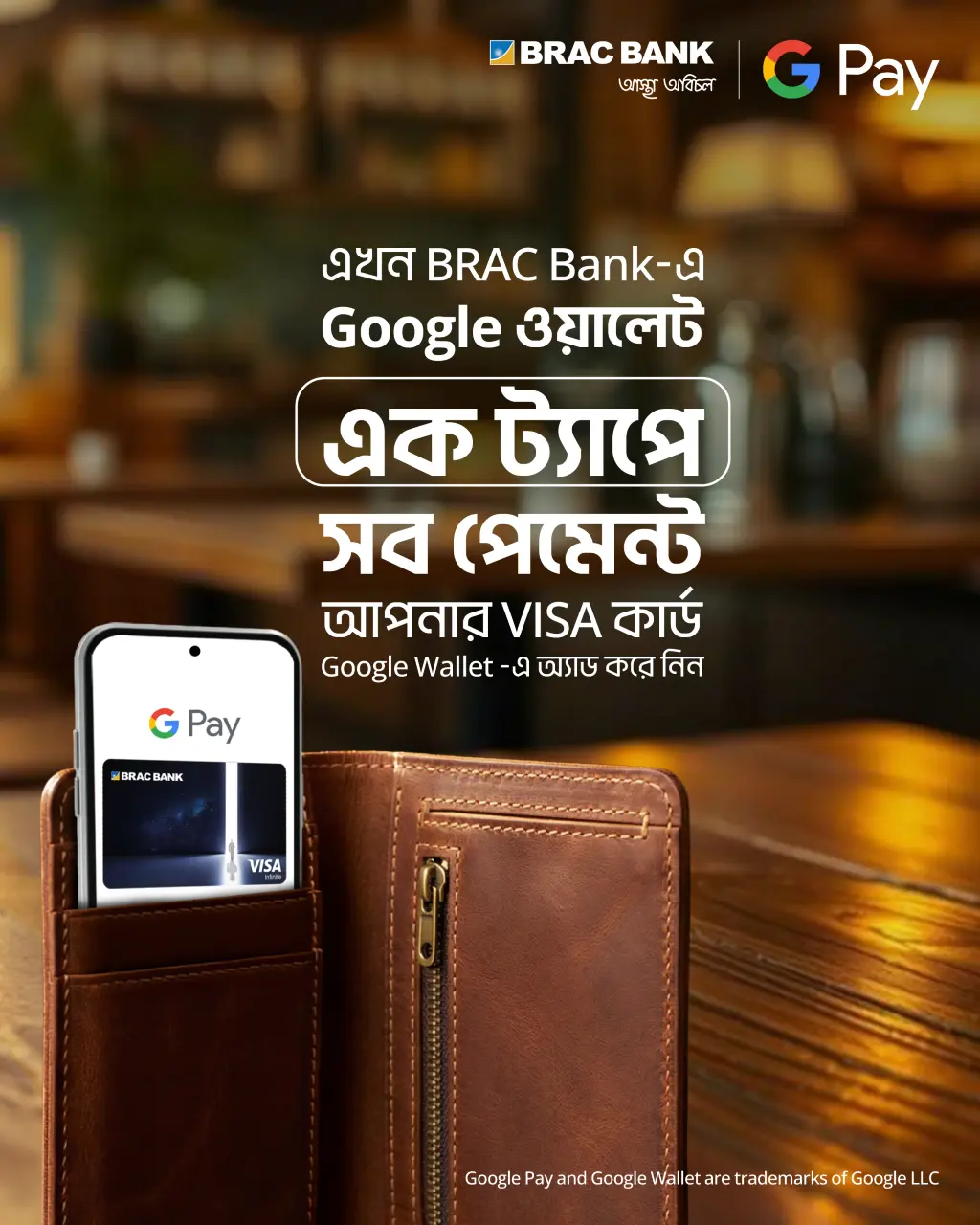
Google Wallet is your phone’s secure space to store BRAC Bank cards, transit passes, and more. It’s not a payment app by itself — it just holds your cards safely so you can use them when needed.
When you tap to pay at a store, it’s Google Pay doing the work, using the card information stored in your Google Wallet. In short: Wallet stores, Pay pays.
All BRAC Bank Visa credit and prepaid cards can be added to Google Wallet.
Use Google Wallet for tap-to-pay transactions at any NFC-enabled POS machine and online in Bangladesh or abroad.
1. Open the Google Wallet app on your Android phone.
2. Tap Add to Wallet → Payment card.
3. Scan your card or enter the details manually.
4. Complete the verification step (you’ll receive an OTP on your registered number).
5. Once verified, your card is ready to use.
⚠️ Never share your OTP with anyone.
- Android 7.0 or higher
- NFC enabled
- Internet connection (required only when adding your card)
Google may reject a card if your device seems unsafe — for example, if it’s rooted, outdated, or showing suspicious activity. This helps protect your financial data.
1. Unlock your phone.
2. Hold it near the POS terminal.
3. Wait for the confirmation sound or checkmark — and you’re done.
No internet connection is needed to make a payment.
You can add more than one BRAC Bank Visa credit card.
To set a default card for tap-to-pay:
- Open Google Wallet
- Select your preferred card
- Tap the three-dot menu → Set as default for tap to pay
To remove a card, first set another default, then tap the three-dot menu → Remove payment method.
Your actual card number is never shared with merchants.
Google uses tokenization, replacing your real card number with a digital token for every payment.
Your phone’s PIN, fingerprint, or face lock ensures only you can approve transactions.
Bangladesh Bank regulations require entering your card PIN for NFC transactions above BDT 5,000.
If your phone is lost or stolen:
- Call 16221 (or +8809611223344 from abroad) to block your card.
- Visit https://www.google.com/android/find to lock or erase your phone.
If your card is replaced, remove the old one from Wallet and add the new card.
If you notice any unauthorized transaction or SMS alert:
- Call 16221 immediately to report it.
The bank will restrict your card to prevent further use.
All your existing rewards, cashback, and benefits remain the same when paying through Google Wallet.
Using Google Wallet is free. Standard card fees and interest (if applicable) remain unchanged.
Our 24/7 Call Center is always open.
📞 16221 (within Bangladesh)
📞 +8809611223344 (from abroad)
